Use case
AI photoshoot for blouses and tops
To photograph blouses and tops with AI, upload a photo of the piece and one of your model, and AURA renders the details that sell a top: the drape of silk, the fall of a sleeve, the exact neckline. Tops are the highest-frequency restock a boutique posts, so speed matters, and AURA turns a new arrival into a posted look in about a minute.
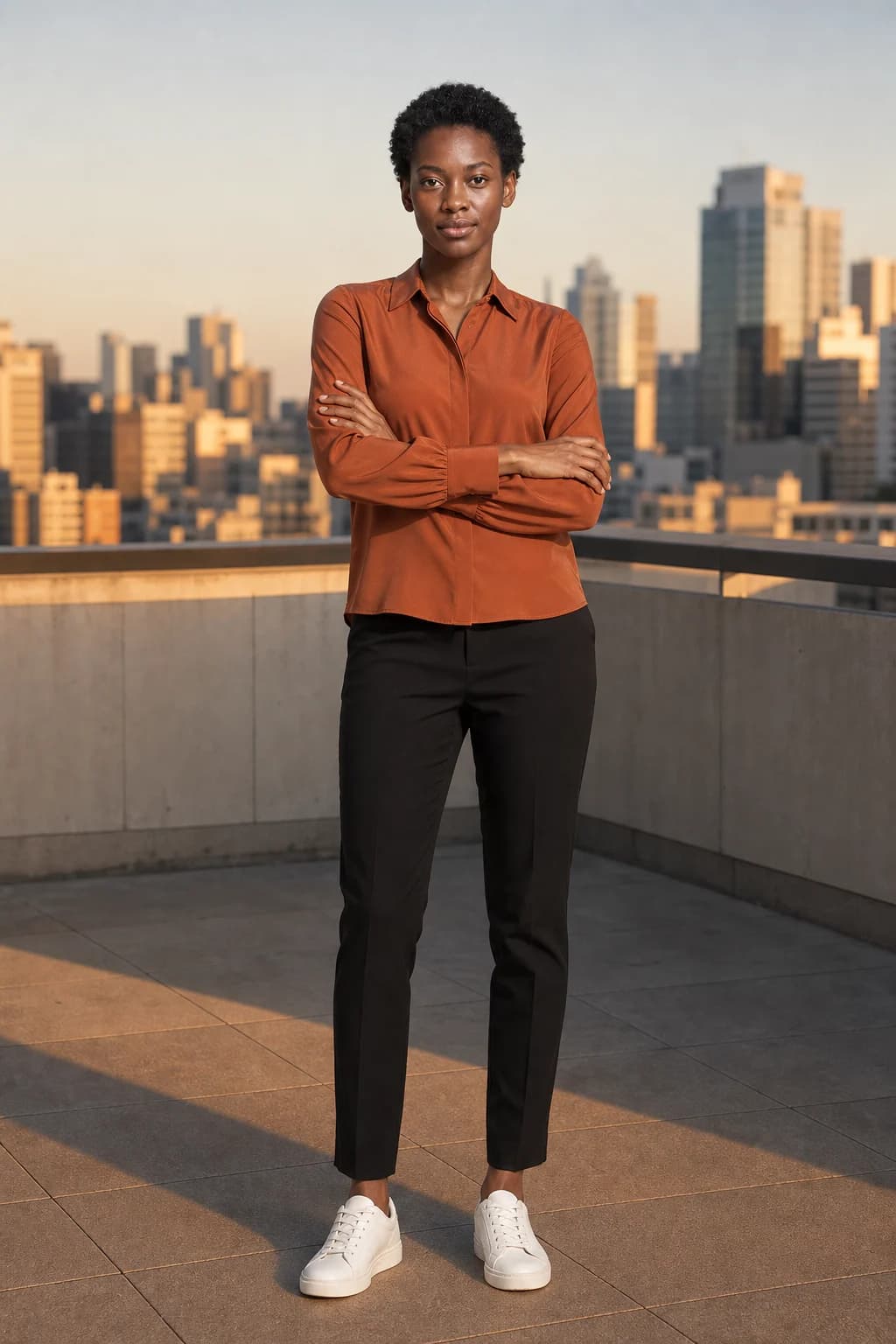
Fabric catches the light
A silk or satin blouse is a light sale. AURA renders the luster and the soft folds so the fabric reads as the quality it is, not a flat cutout.
The neckline is the detail
Collars, ties, and necklines are where a top is judged. AURA holds that detail from your photo so the piece a customer receives matches the one they saw.
Restock-day speed
Tops turn over fast. Upload the new arrival, pick a template, and the look set is ready to post before you have finished your coffee.
How it works
Upload
Upload one photo of the garment and one photo of your model.
Choose a look
Pick a template, or a scene, pose, and light.
Post
Get the image in feed, story, and reel sizes, ready to post.
Questions
- How fast can I post a new top?
- About a minute from upload to a finished, correctly sized image, with no shoot to book.