Use case
AI fashion video generator
AURA's AI fashion video generator turns a finished on-model photo of your garment into a 5, 8 or 12 second clip, with one of eight camera moves and the face and garment held from the photo. A 5 second 720p clip costs 3 credits, HD 1080p comes with the Studio plan, and the free week includes one clip.
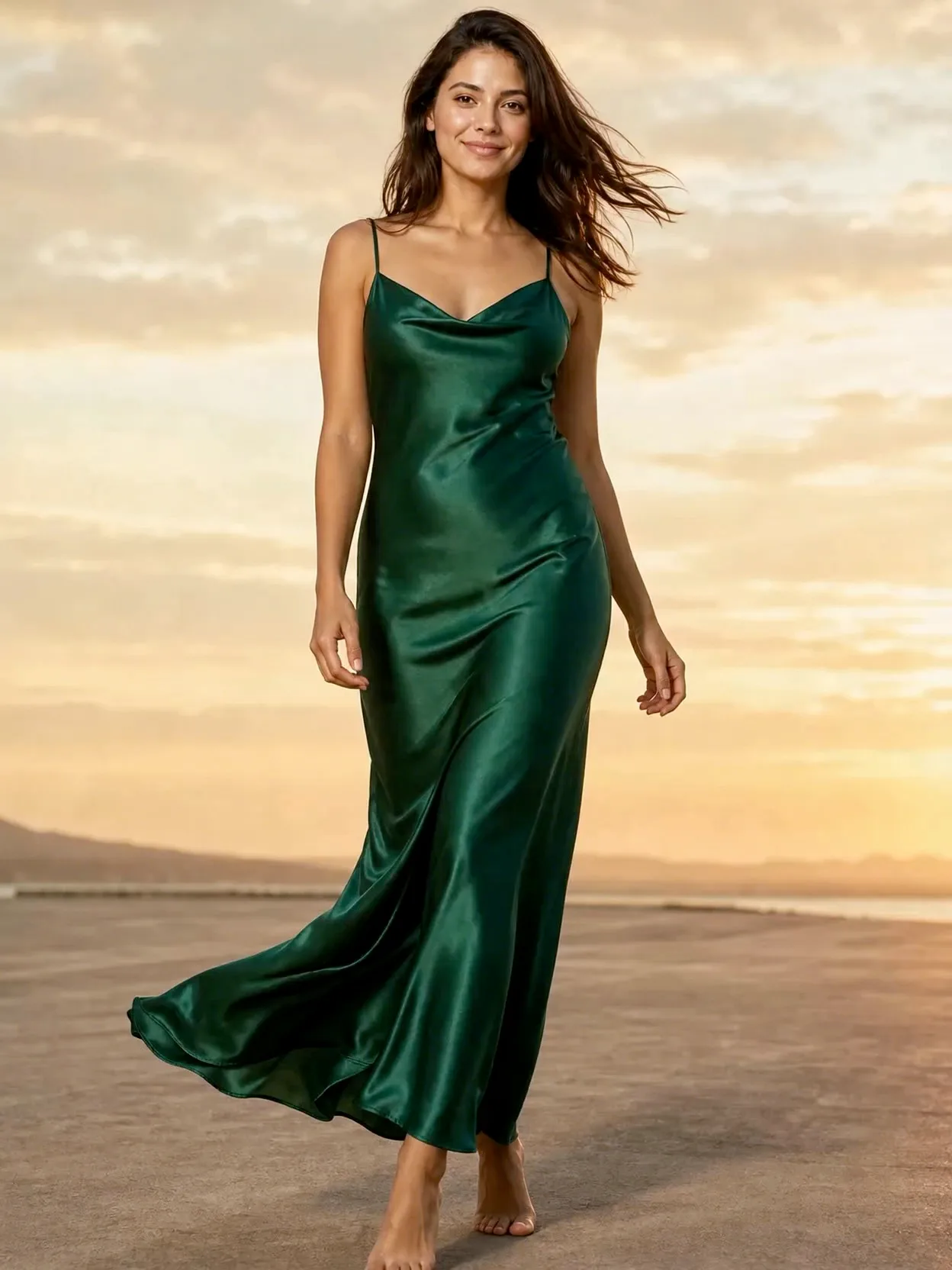
Photo first, then motion
A clip starts from a finished on-model photo, not from the flat lay: make the photo, then animate it. The photo becomes the first frame, so fix the colour, the fit and the face there before you spend credits on motion.
Eight camera moves, or your own words
Pick orbit, push in, pull out, pan, tilt up, crane up, handheld or locked off, and add your own direction if you like, such as hair drifting in a soft breeze. Every clip is instructed to keep the person and the outfit exactly as in the photo while the camera moves.
Length, quality and credits
At 720p a clip costs 3 credits for 5 seconds, 4 for 8 and 6 for 12. HD 1080p costs three times as much: 9, 12 or 18 credits. Each length is one continuous take, and a clip that fails or that you cancel is refunded in full.
Which plans include it
The free week's 13 credits cover 10 photos and one 5 second clip, with no card. Starter (€29 a month, 150 credits) makes 720p clips; Studio (€89, 500 credits) and Scale (€249, 1,500 credits) add HD 1080p.
What you get
A silent MP4. By default the model holds the pose with small, natural movement while fabric and hair stir and the camera travels; your own note can ask for more, such as adjusting a cuff. Add music or a voiceover in the app you post from.
What video still gets wrong
A move that circles the model shows sides the photo never did, so those are invented: in our own orbit clip of a slip dress, the open back came from the model, not from any input. Use push in, tilt up or locked off when the back matters. Our 2:3 photos also came back as 3:4 clips, so check the framing before posting full screen.
How it works
Upload
Upload one photo of the garment and one photo of your model.
Choose a look
Pick a template, or a scene, pose, and light.
Post
Get the image in feed, story, and reel sizes, ready to post.
Questions
- Can I turn a product photo into a video?
- Yes, in two steps. AURA first puts the garment on a model from your product photo, then turns that photo into a clip. The flat lay itself is not animated; the clip is always of the garment being worn.
- How long can the videos be?
- 5, 8 or 12 seconds. Each length is rendered as one continuous take, not stitched together from shorter pieces.
- What resolution are the videos?
- 720p on every plan, and 1080p from the Studio plan up. A 1080p clip costs three times the credits of a 720p clip of the same length.
- Do the clips have sound?
- No. Clips are silent, so add music or a voiceover in Instagram, TikTok or your video editor.
- Will the face and the garment stay the same?
- Every clip is instructed to keep them, and in our own clips the face and garment held through the move. What can change is anything the photo did not show, such as the back of a dress during an orbit.
- Are the clips vertical for Reels and TikTok?
- A portrait photo gives a vertical clip, but not always in the photo's exact shape: our 2:3 photos came back as 3:4 clips. Check the framing in a 9:16 preview before you post full screen.
- Is there a free trial?
- Yes. The free week includes 13 credits, enough for 10 photos and one 5 second 720p clip, with no card required.