Guide
Virtual try-on vs AI on-model photography: two products, one name
By The AURA Studio team. Published .
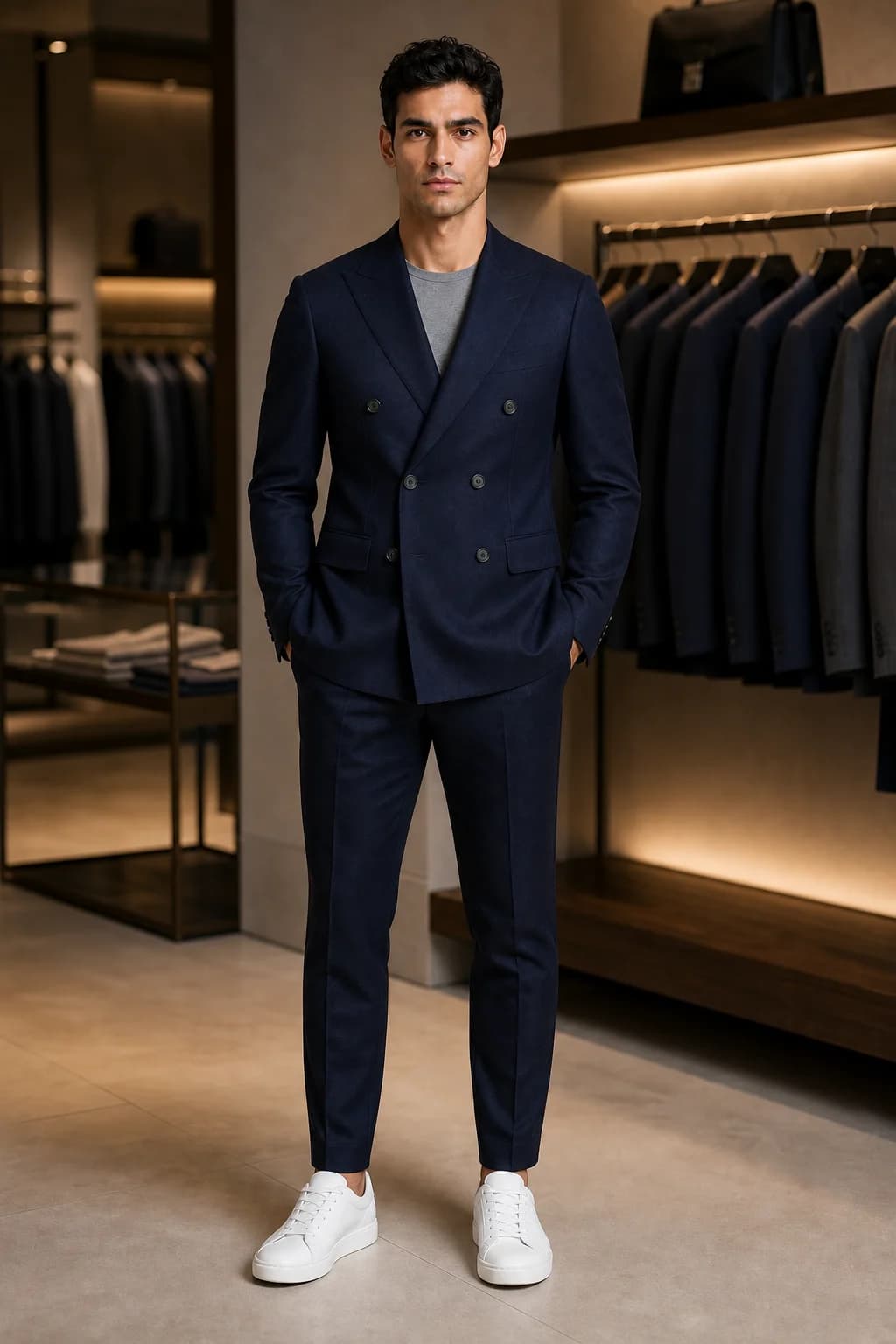
Virtual try-on is a shopper-side feature: a customer uploads a photo of themselves and sees a garment on their own body. AI on-model photography is a seller-side tool: you upload a garment photo and get images of a model wearing it to publish. Both use similar image models and vendors use the names loosely, but most boutiques need on-model images first, because try-on is built from your product images.
Two products behind one name
The research behind both is the same. VITON, a 2017 paper on image-based virtual try-on, describes a network that "seamlessly transfers a desired clothing item onto the corresponding region of a person" (Han et al., arXiv). That technique now powers two products with different buyers.
- Shopper-side virtual try-on. A customer uploads a photo of themselves and sees your garment on their own body, in Google Search or in a widget on your product page. The result is a private preview for one person.
- Seller-side on-model photography. You upload a photo of the garment and a model reference, and get photos of that model wearing it. You publish the result to every shopper, on product pages, social and ads.
Vendors use the same words for both. Photoroom's try-on page is headed "Virtual try-on that works for you, and for your store" and offers a shopper try-on, a seller tool for putting garments on models, and an API. Pixelcut's "Virtual Try-On" tool is for sellers: "Showcase your clothes on AI-generated models". FASHN lists "Virtual Fashion Photoshoots" and "Virtual Fitting Rooms" as separate use cases. When a page says try-on, check whose photo goes in.
Side by side
| Virtual try-on (shopper side) | AI on-model photography (seller side) | |
|---|---|---|
| Who uses it | Your customer | You |
| Whose photo goes in | The shopper's own photo or selfie | A model reference: from a roster, AI-generated, or a real person who agreed to it |
| What comes out | A preview of the shopper wearing the item | Images and video you publish |
| Where it lives | Google Search and Shopping, or a widget on your product page | Your product pages, feed, stories and ads |
| Question it answers | How would this look on me? | What does this look like worn? |
| How it is priced | Automatic for eligible Google listings; store widgets by shopper try-ons a month | By generated image or credit |
| What it needs from you | Clean product images of each garment | One garment photo per piece |
| Disclosure | A private preview inside the tool | You publish it, so any labelling duty is yours |
Shopper-side try-on in practice
Google runs one inside Search. It launched in the US on 24 July 2025 across Search, Google Shopping and product results in Google Images, with shoppers uploading "a full-length photo of yourself" (Google). Since December 2025, US shoppers can start from a selfie: Google's Gemini 2.5 Flash Image model generates a full-body version of them first (Google).
- Where shoppers can use it
- Argentina, Australia, Brazil, Canada, Chile, Colombia, Hong Kong, India, Indonesia, Japan, Malaysia, Mexico, New Zealand, Philippines, Singapore, South Korea, UK and US. No EU country is listed
- Garments
- Tops, bottoms and dresses. "Lingerie, bathing suits, and accessories aren't supported"
- Merchant eligibility
- "All brands with a shopping feed and high quality imagery are automatically opted into Apparel Try-On"
- Image requirements
- At least 512 x 512 pixels, ideally 1024 or more, showing "one garment on one front-facing model or mannequin in a simple pose, or laying flat on a surface"
- Fit
- The generated image "does not determine or guarantee the actual fit of the garment"
Checked on Google Shopping Help: how the try-on tool works, Merchant Center Help: apparel virtual try-on.
Read the merchant side closely, because it ties the two products together. Google's try-on is built from your product images, and it asks for exactly what a good on-model or flat-lay photo already is: one garment, front-facing, nothing covering it. Merchant Center also describes a model-based version, in which shoppers pick from real models Google photographed, from XXS to XXXL, and Google's generative model puts your garment on them.
On your own site, try-on comes as a widget. On the Shopify App Store these are priced by shopper try-ons: TryDrobe lists 60 try-ons a month for $19 and AI Virtual Try-On by EganAI lists 150 for $19.99, both launched in 2026 and both without reviews on 2 October 2026. Photoroom says shopper try-on on your own store runs on its Enterprise plans. Google also runs Doppl, an experimental app for trying on outfits from any photo, and says plainly that "fit, appearance and clothing details may not always be accurate".
Seller-side on-model photography in practice
Here the shopper never uploads anything. You supply the garment and a model reference, the tool generates the photo, and every visitor sees the same image. How AI fashion photography works explains the pipeline and what it still gets wrong, and the best AI fashion photography tools compares eleven of them.
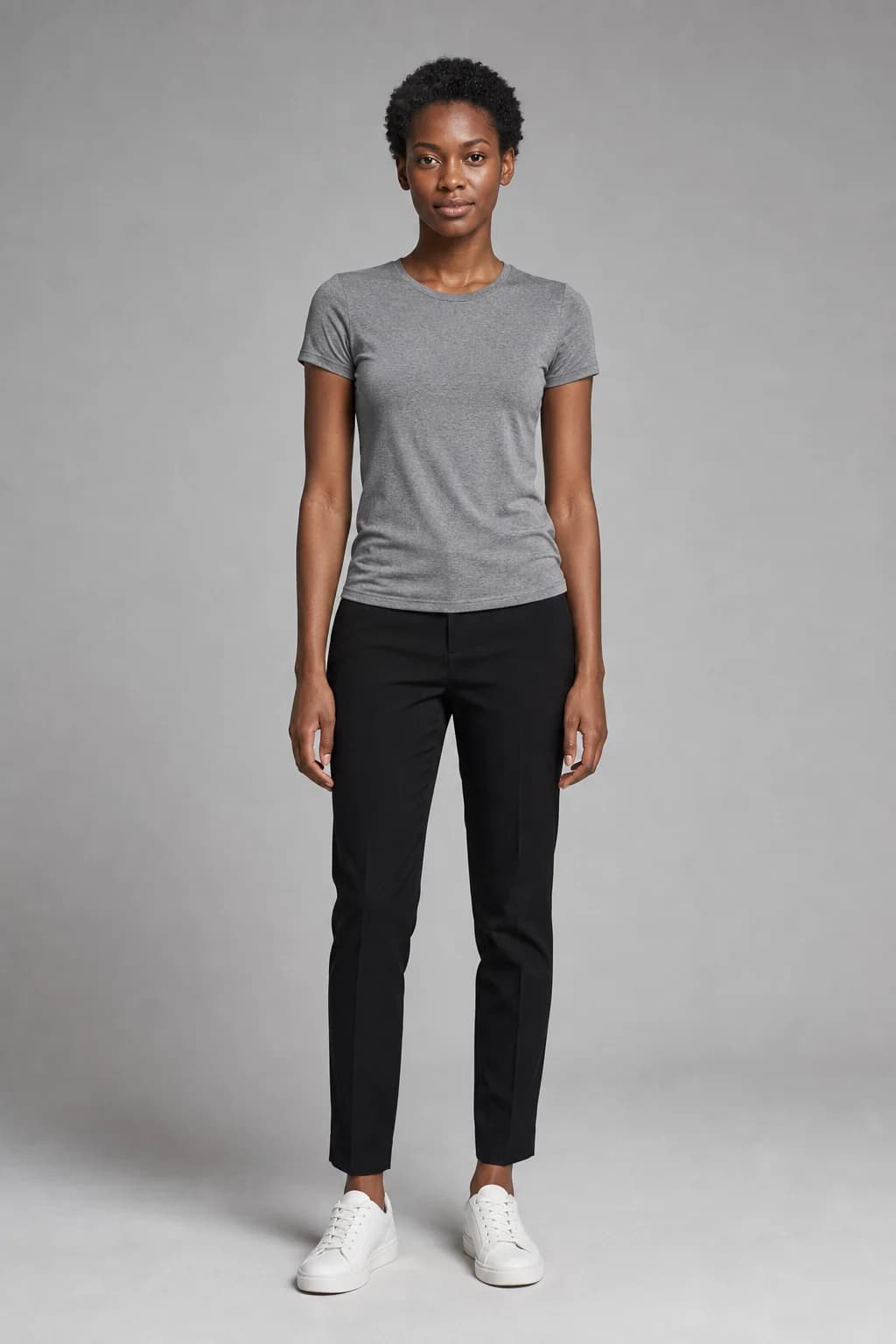
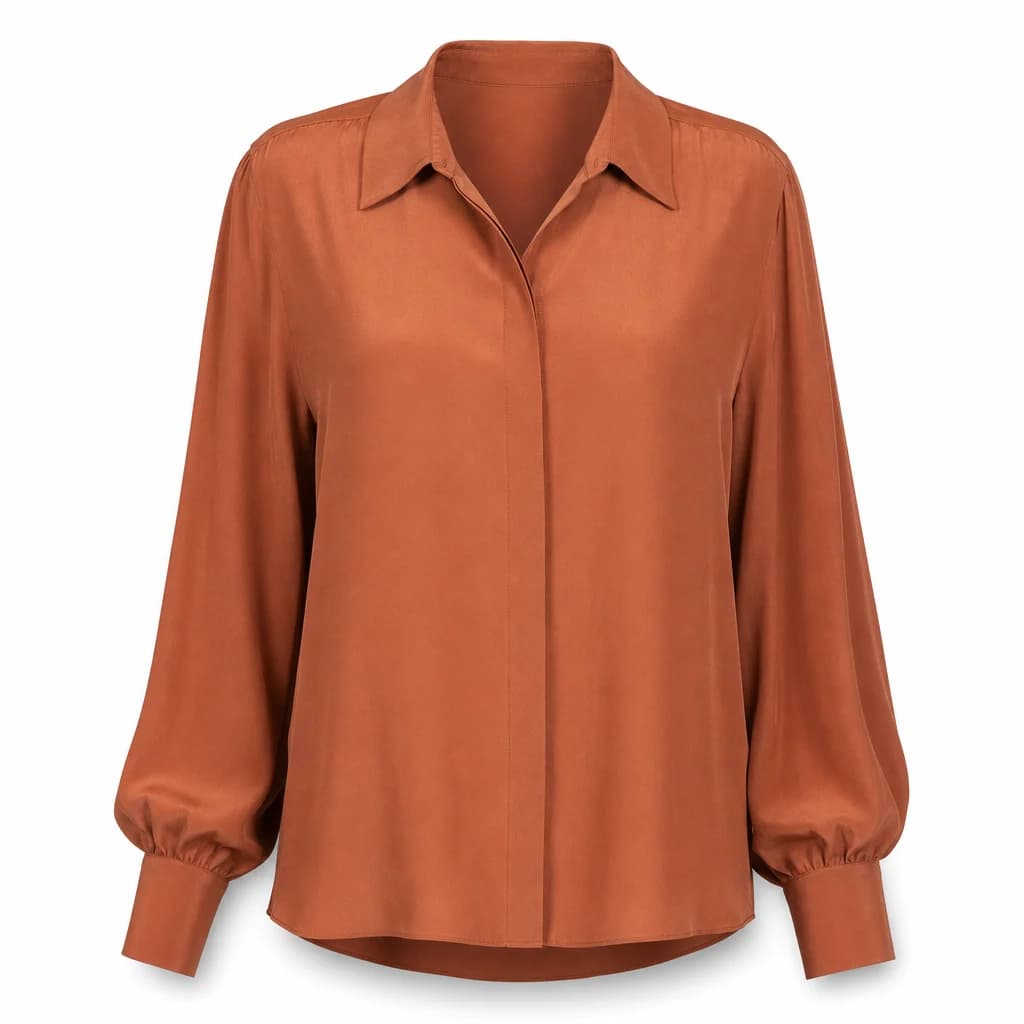
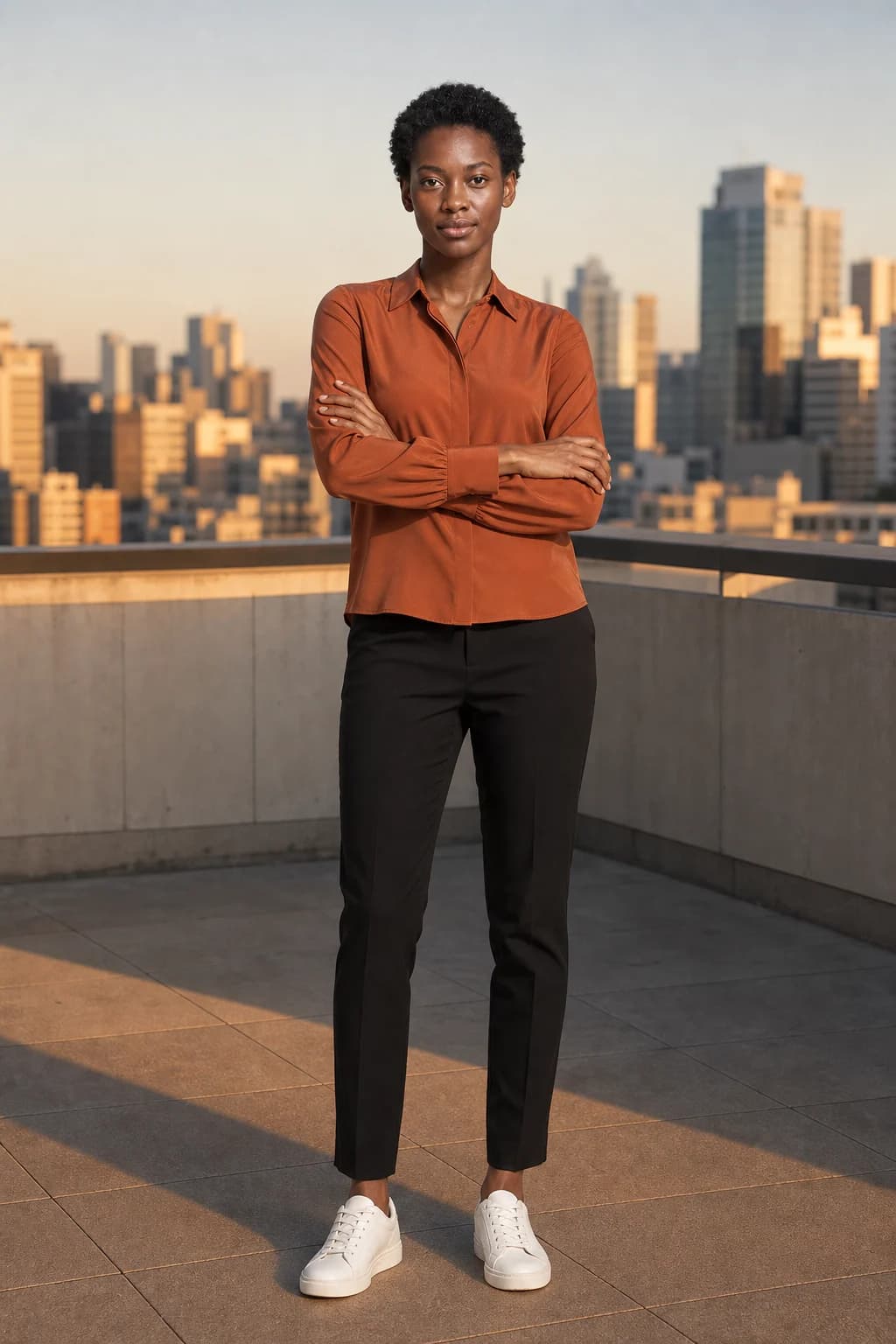
Because the image is published, two things matter that do not for a private try-on preview. The face should stay the same across your catalog, which our guide to consistent AI models covers, and in the EU the disclosure duty for published AI images sits with you, as our labelling guide explains.
Which one a boutique needs
- Start with on-model images. Every product page needs them, and they are also the input that try-on works from.
- Then check Google's try-on. If you already send a product feed to Merchant Center in a supported country, eligible listings are opted in automatically, with nothing to install. Shoppers in the EU do not have it as of 2 October 2026.
- Test a try-on widget only once your product images are in place, and when your customers' main hesitation is how a piece will look on them. Judge it on your own numbers: what vendors say about conversion and returns is a vendor claim.
- Neither one tells a customer how a garment fits. Google's own help page says so. Size charts and measurements still do that job.
Some vendors sell both. Photoroom offers shopper try-on for your store on Enterprise plans alongside its fashion model tool, and FASHN offers an API for building try-on into an app. AURA Studio, which publishes this guide, makes on-model photos and video only: it has no shopper try-on, no store widget and no API.
Sources
- Han et al.: VITON, an image-based virtual try-on network (arXiv, 2017)
- Google: try on launches in the U.S. (24 July 2025)
- Google: try on with a selfie (11 December 2025)
- Google Shopping Help: how the try-on tool works
- Google Merchant Center Help: apparel virtual try-on
- Google Labs: Doppl (26 June 2025)
- Photoroom: virtual try-on
- Pixelcut: virtual try-on
- FASHN
- TryDrobe on the Shopify App Store
- AI Virtual Try-On by EganAI on the Shopify App Store
Questions
- What is the difference between virtual try-on and AI model photography?
- Who supplies the person. In virtual try-on the shopper uploads their own photo and sees the garment on themselves, privately. In AI on-model photography the seller supplies a model reference and gets photos to publish to every shopper.
- Is a virtual photoshoot the same as virtual try-on?
- No. A virtual photoshoot makes the product images a seller publishes. Virtual try-on is a shopper feature. Some vendors use the term try-on for both, so check whose photo goes in.
- Can my store's products appear in Google's virtual try-on?
- Google's Merchant Center help, checked on 2 October 2026, says all brands with a shopping feed and high quality imagery are automatically opted in. Images need to be at least 512 x 512 pixels, ideally 1024 or more, and show one garment on one front-facing model or mannequin, or laid flat. It covers tops, bottoms and dresses in 18 countries and territories, none of them in the EU.
- Does virtual try-on show how clothes will fit?
- No. Google's help page says its generated image does not determine or guarantee the actual fit, and Google's Doppl app warns that fit, appearance and clothing details may not always be accurate. Size charts and measurements still do that job.
- Does AURA Studio offer virtual try-on?
- No. AURA makes on-model photos and short videos that you publish. It has no shopper try-on, store widget or API.