Guide
AI fashion photography, explained: how it works and what it still gets wrong
By The AURA Studio team. Published .
AI fashion photography uses an image model, not a camera, to produce photos of clothing being worn. You supply a photo of the garment, a model reference and a scene, and the model draws a new photograph of that person wearing the piece. It is strong on volume, speed and keeping one face across a catalog. It still guesses length, drape, lettering and anything you did not supply.
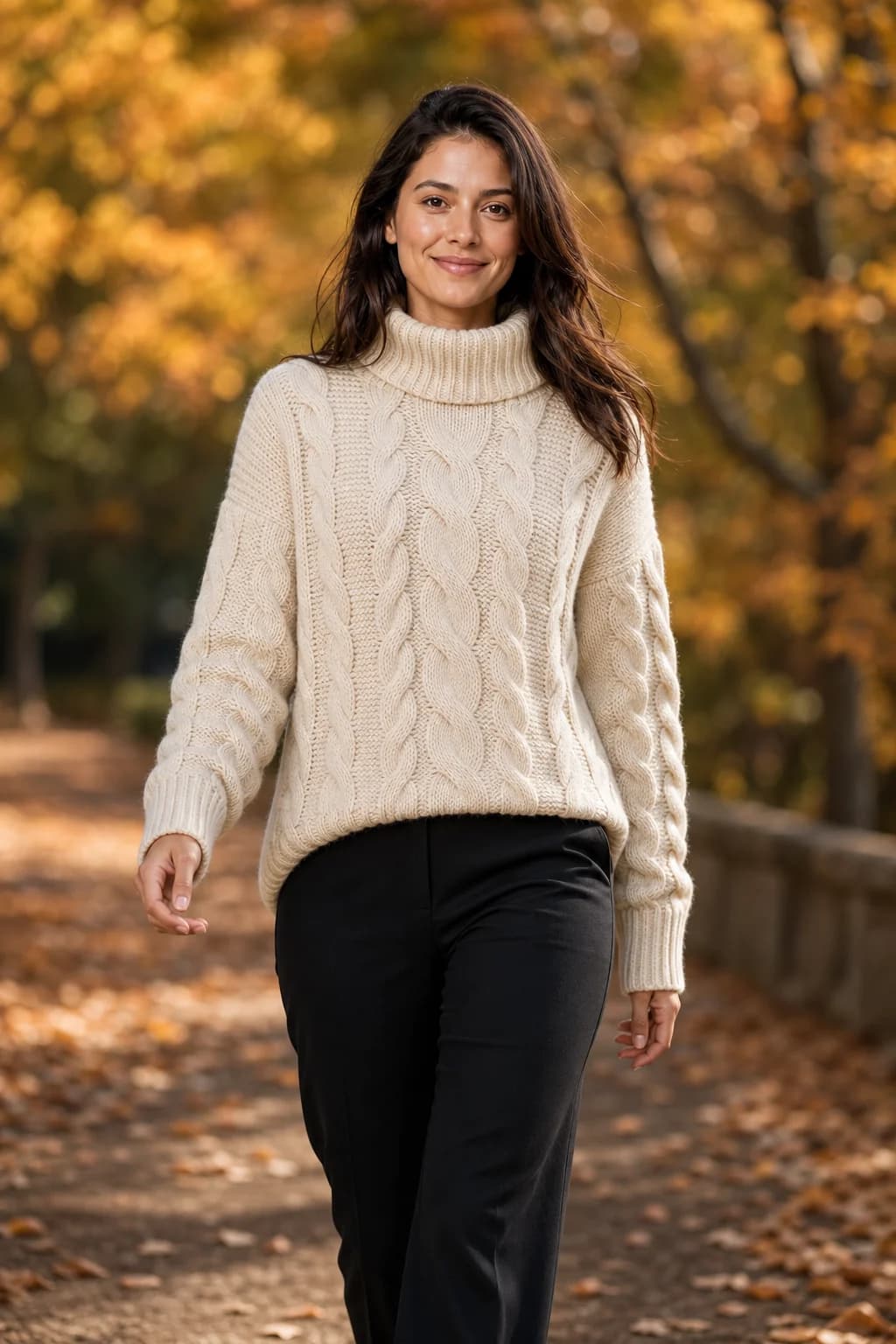
What AI fashion photography is
AI fashion photography is any photo of clothing in which an image model, not a camera, produced the person, the setting, or both. In practice it covers four different jobs, and most tools are built around one or two of them.
| Job | You supply | You get |
|---|---|---|
| On-model from a product photo | A flat lay, hanger, mannequin or ghost-mannequin photo, plus a model | A new photo of a person wearing the piece. This guide is mostly about this job |
| Model swap | An existing photo of someone wearing the piece | The same photo with a different face or body |
| Ghost mannequin or packshot | The garment on a mannequin or hanger | A clean product image with no person in it |
| Scene change | A real photo | The same subject in a new setting |
Shopper-side virtual try-on, where a customer sees a garment on a photo of themselves, uses related technology but is a different product bought by a different person. Virtual try-on vs AI on-model photography separates the two.
The three inputs behind every image
Whatever a tool's interface calls them, every on-model image is built from the same three things.
- The garment. A photo of the piece itself, and the only source of truth for its cut, colour, print and hardware. Its quality caps the result; our guide to photographing a garment for AI covers what the model needs to see.
- The person. A reference photo of a model: one from the tool's roster, an AI-generated house model, or a real person who has agreed to it in writing. Without a reference, every image invents a new face, which is why keeping one model consistent is its own topic.
- The setting. Pose, scene, framing and light, picked from presets, written as a prompt, or supplied as a photo of a real place.
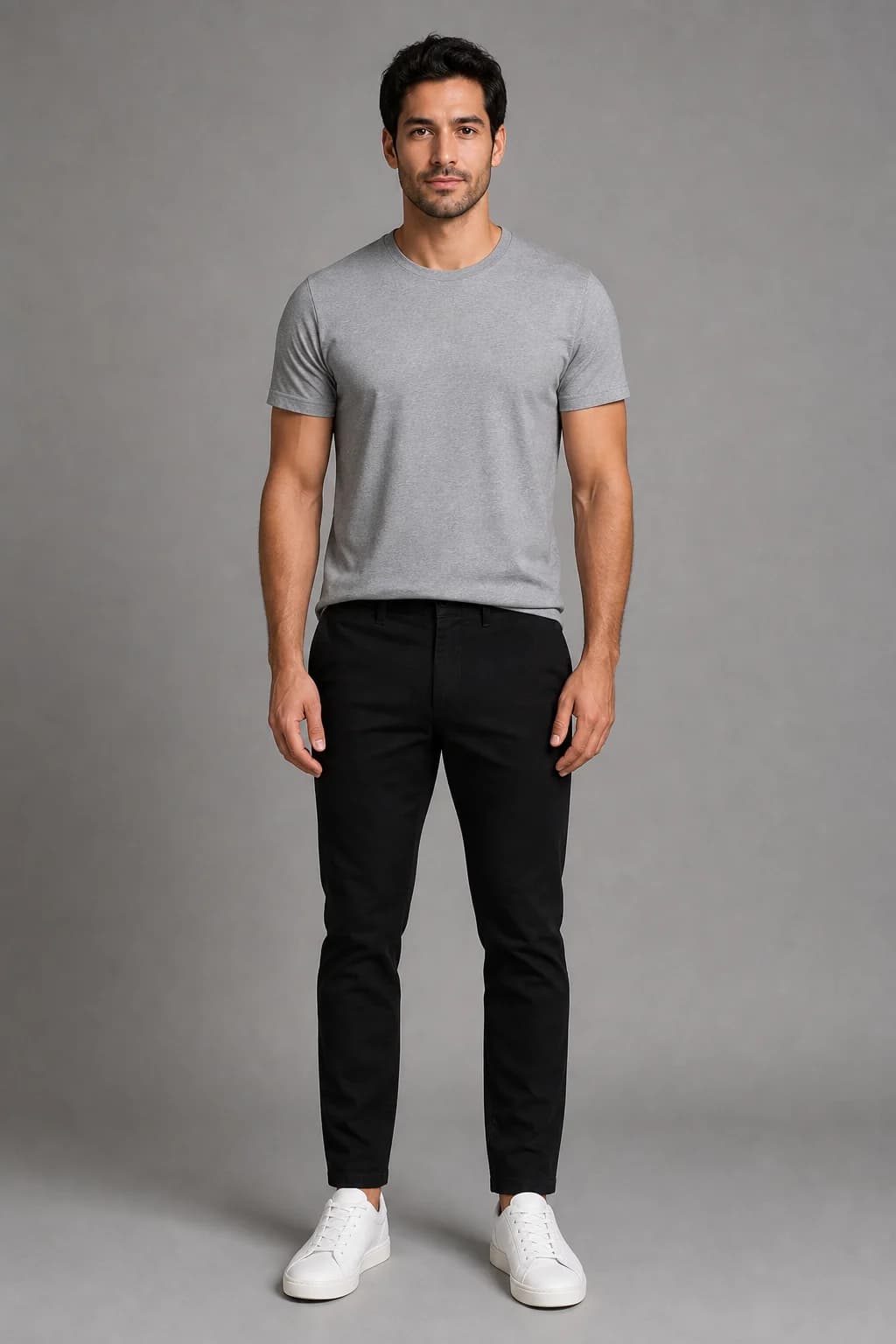
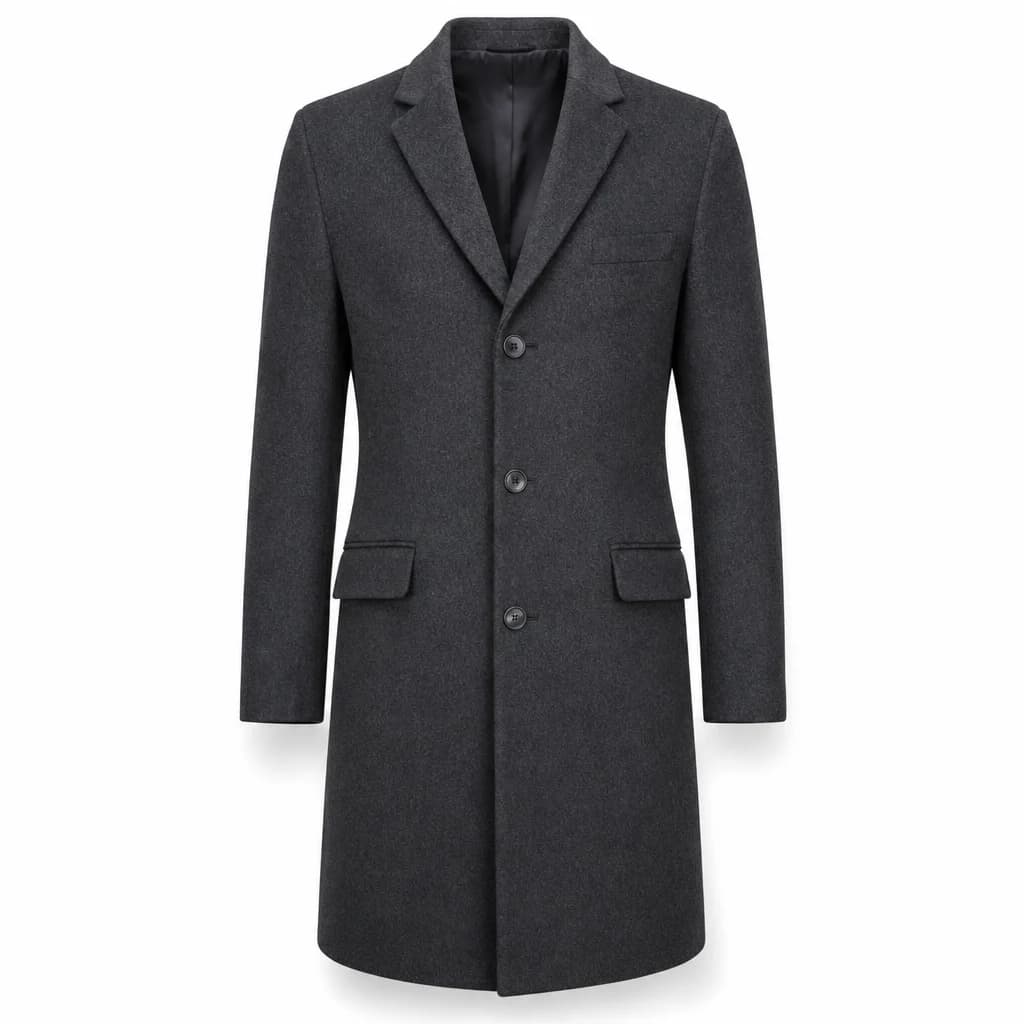
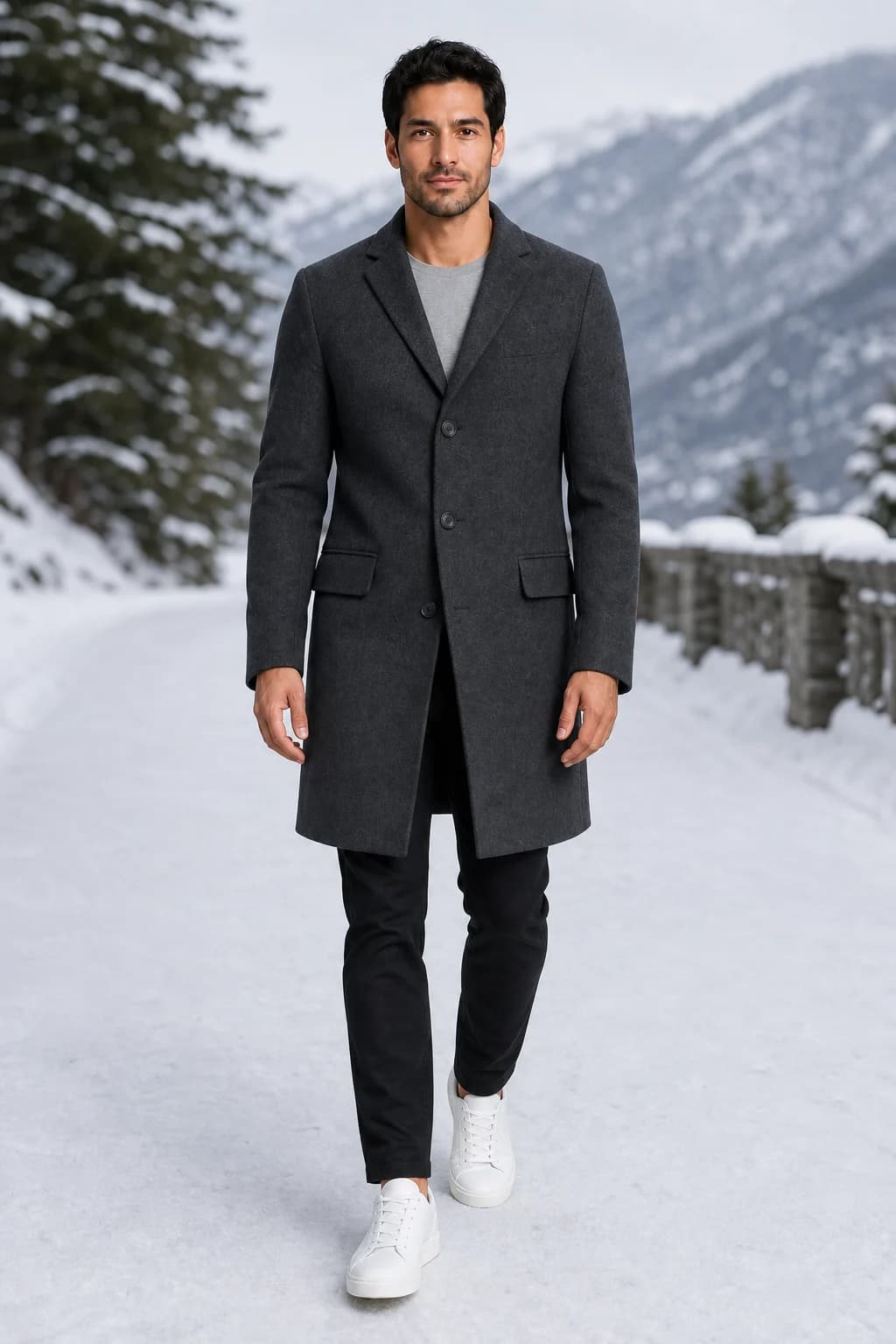
The product images in this guide are AI-generated catalog images made for our demo, not photos of real stock. A phone photo of a real garment is a harder input, which is why input quality has its own guide.
How an image is generated
Nothing is cut out and pasted. The tool hands the reference images and a written instruction to an image model, and the model draws a new photograph that satisfies both. The model makers document this directly: OpenAI's image guide says "you can use one or more images as a reference to generate a new image" (OpenAI), and Google's Gemini documentation sets separate allowances for object images kept at high fidelity and for character images that keep a person consistent (Google AI for Developers).
The references go in together
The model photo, the garment photo and, if you chose one, a scene photo are sent in a single request. In AURA the model comes first, the garment second and the scene third.
An instruction says what to keep
A written brief tells the image model to dress this person in this garment, worn and draped naturally, in this pose, scene and light. Fashion tools write the brief for you from the options you pick.
The model redraws everything
It reads the garment's cut, colour, print and hardware and the person's face, hair, skin and build, then renders a new image that combines them. Fidelity is likely, not guaranteed.
The tool finishes the file
Cropping to the format you need, such as a 4:5 feed post or a 9:16 story, and adding any text. AURA adds prices and badges as a separate layer after generation, so the words are typed, never drawn by the image model.
Two things follow from this. Because everything is redrawn, every image needs checking against the real piece. And because the model fills every gap, anything you did not supply is the model's decision, which is where most surprises come from.
What it does well
- Volume. Every piece in a drop can be on a person the day it arrives, instead of waiting for a shoot date.
- Iteration. Another pose or scene is another generation, not another booking. In AURA that is one credit.
- One face across the catalog, if the tool stores the model reference for you.
- Range. Different people, places and seasons from the same product image.
- Motion. Most fashion tools now turn a still into a short clip. In AURA a 5, 8 or 12 second clip costs 3, 4 or 6 credits at 720p.
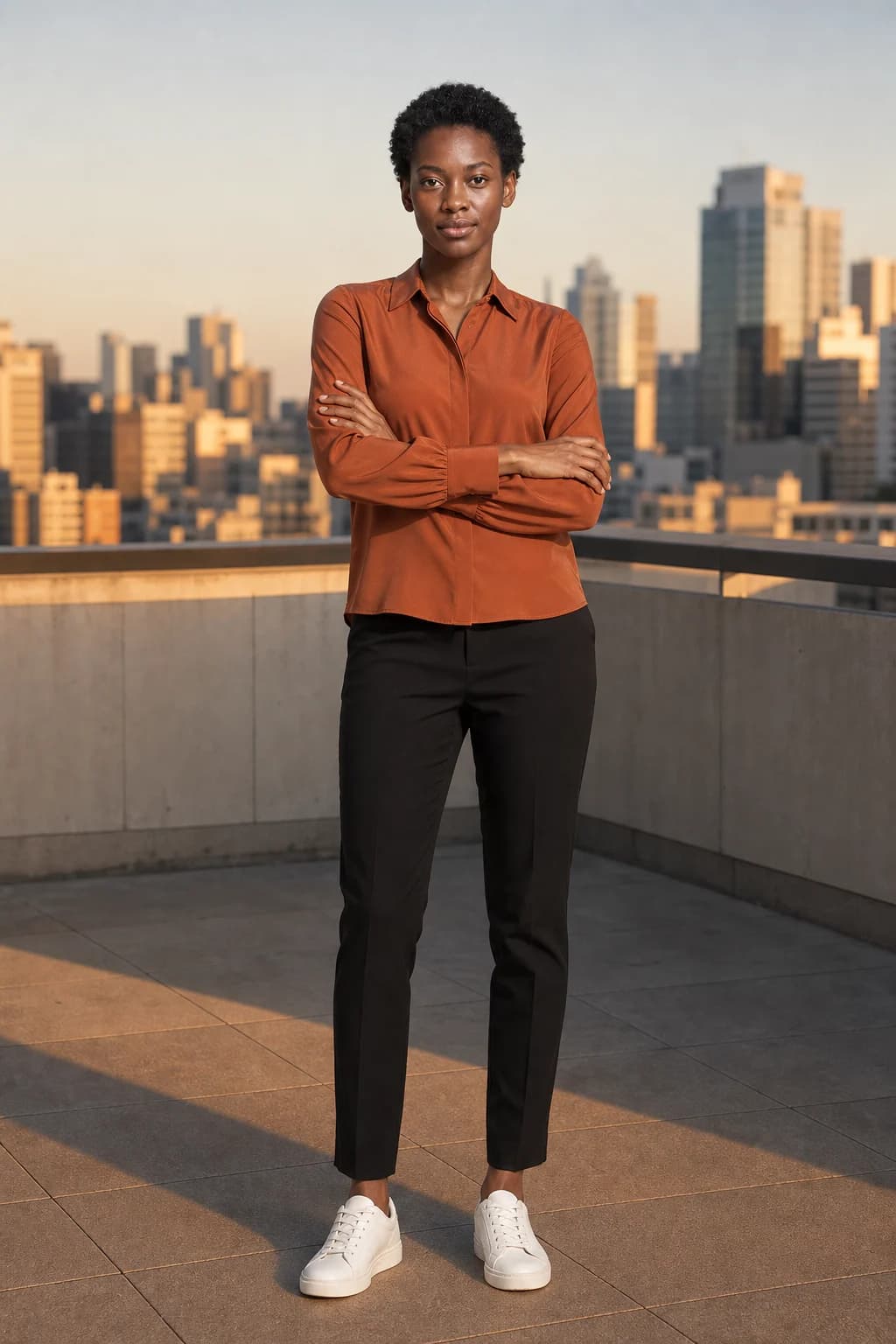
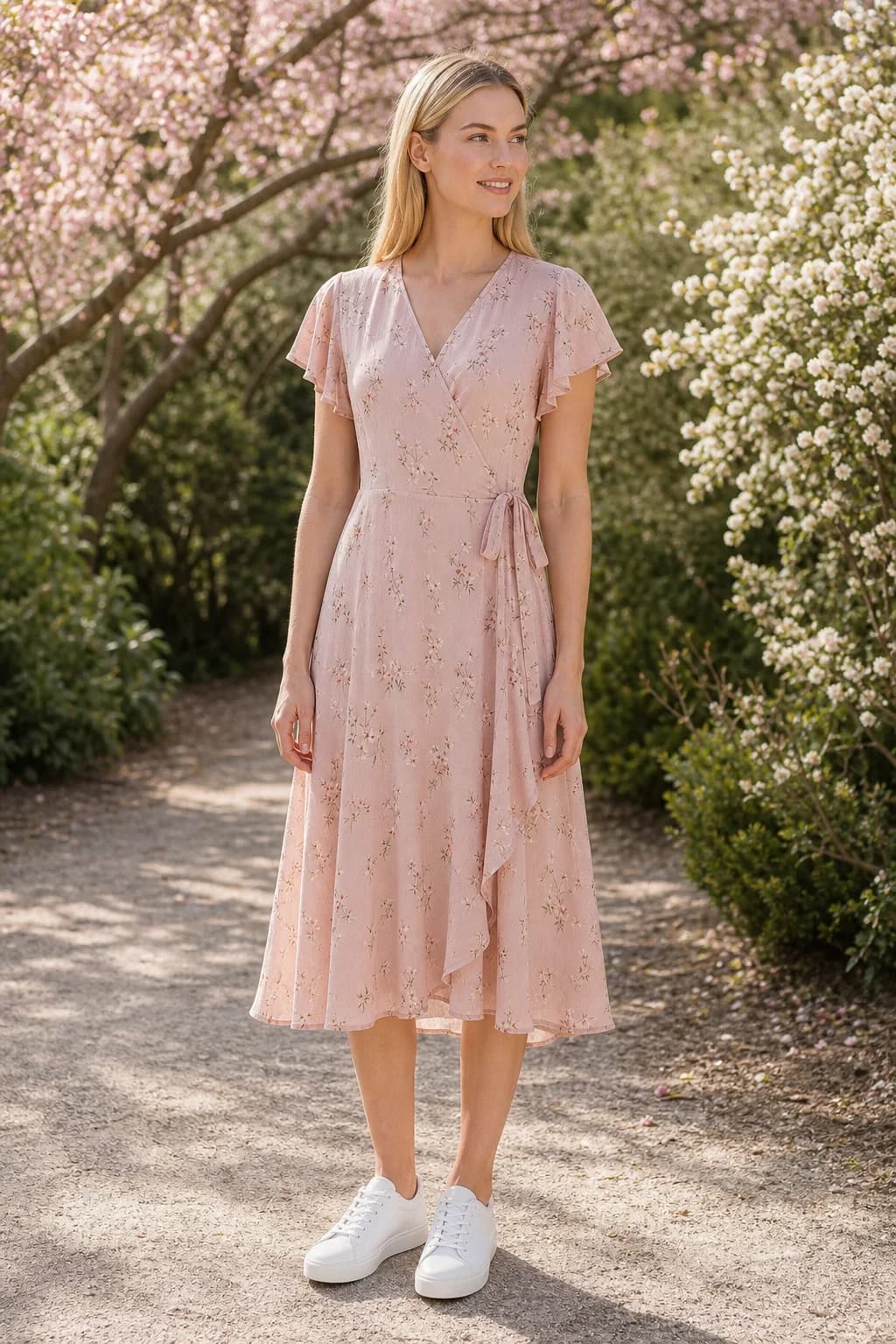
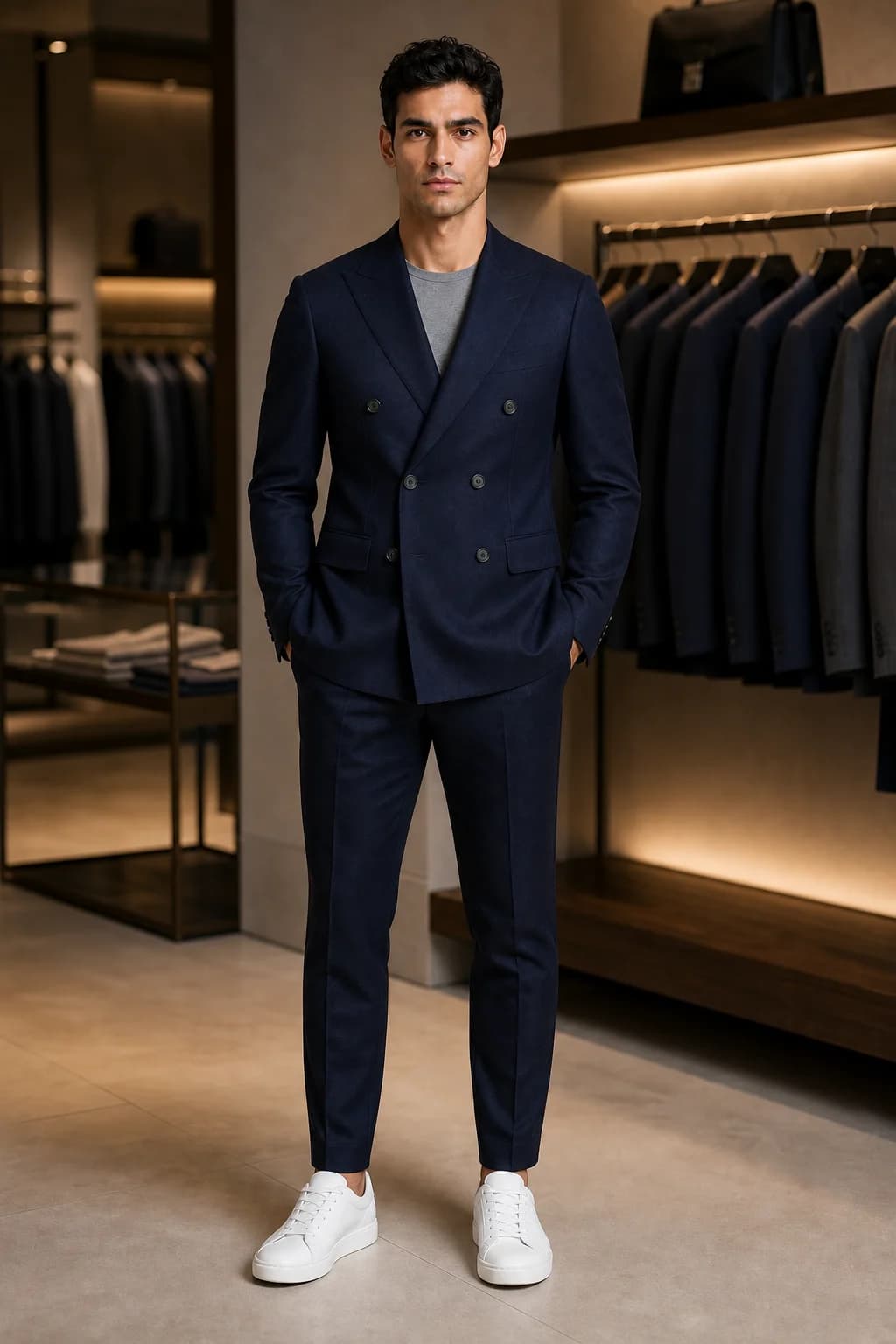
What it still gets wrong
These are the failure modes to check on every image. Where the model makers say so themselves, the source is linked.
- Length and scale. A product image with no body in it says nothing about where a hem falls, so the model guesses. The figure below shows one slip dress at two lengths.
- Drape and volume. How satin pools, how a full sleeve gathers, how a coat hangs open: all rendered from a guess about the fabric. In the rooftop image above, the blouse's full sleeves read slimmer than in its product image, partly because the arms are crossed, and the curved shirt-tail hem came back nearly straight.
- Anything you did not supply. Shoes, trousers and accessories come from the reference photo or are invented. In the hotel image below, the black flats are the reference's; at sunset the model decided she was barefoot.
- Lettering and logos. OpenAI lists text among its image models' limitations: they "can still struggle with precise text placement and clarity" (OpenAI). Check any print with words in it, and never let the image model draw your prices.
- Consistency between images. The same page says the models "may occasionally struggle to maintain visual consistency for recurring characters or brand elements across multiple generations". Supplying the same reference every time is the fix.
- Proportions in wide shots. In our own pipeline, full-length figures squeezed into a square frame were more prone to distorted head-to-body proportions, so AURA renders full-length framings on a taller 2:3 canvas. In any full-length image, check heads, hands and feet first.
- Fit. An image shows the garment on one body. It cannot tell a customer how it will fit theirs, so keep size charts and measurements on the product page.
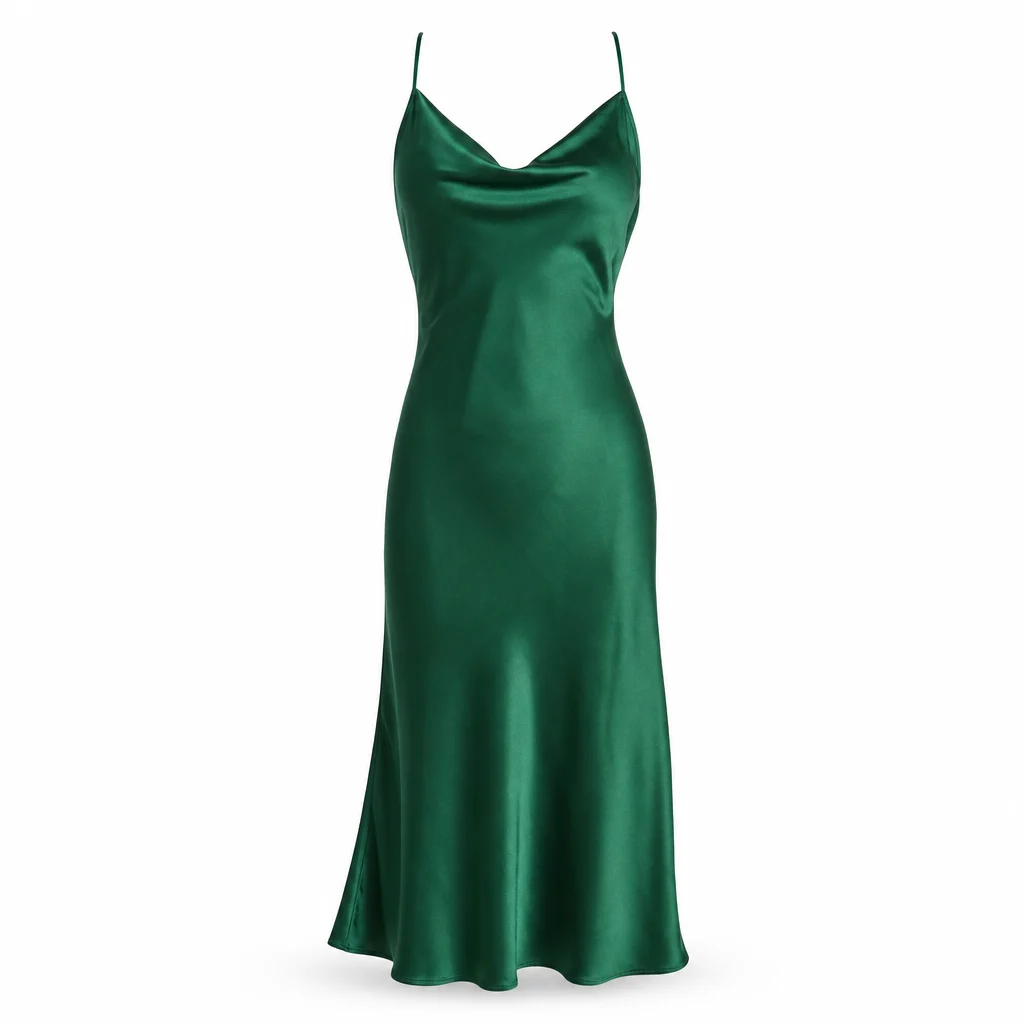
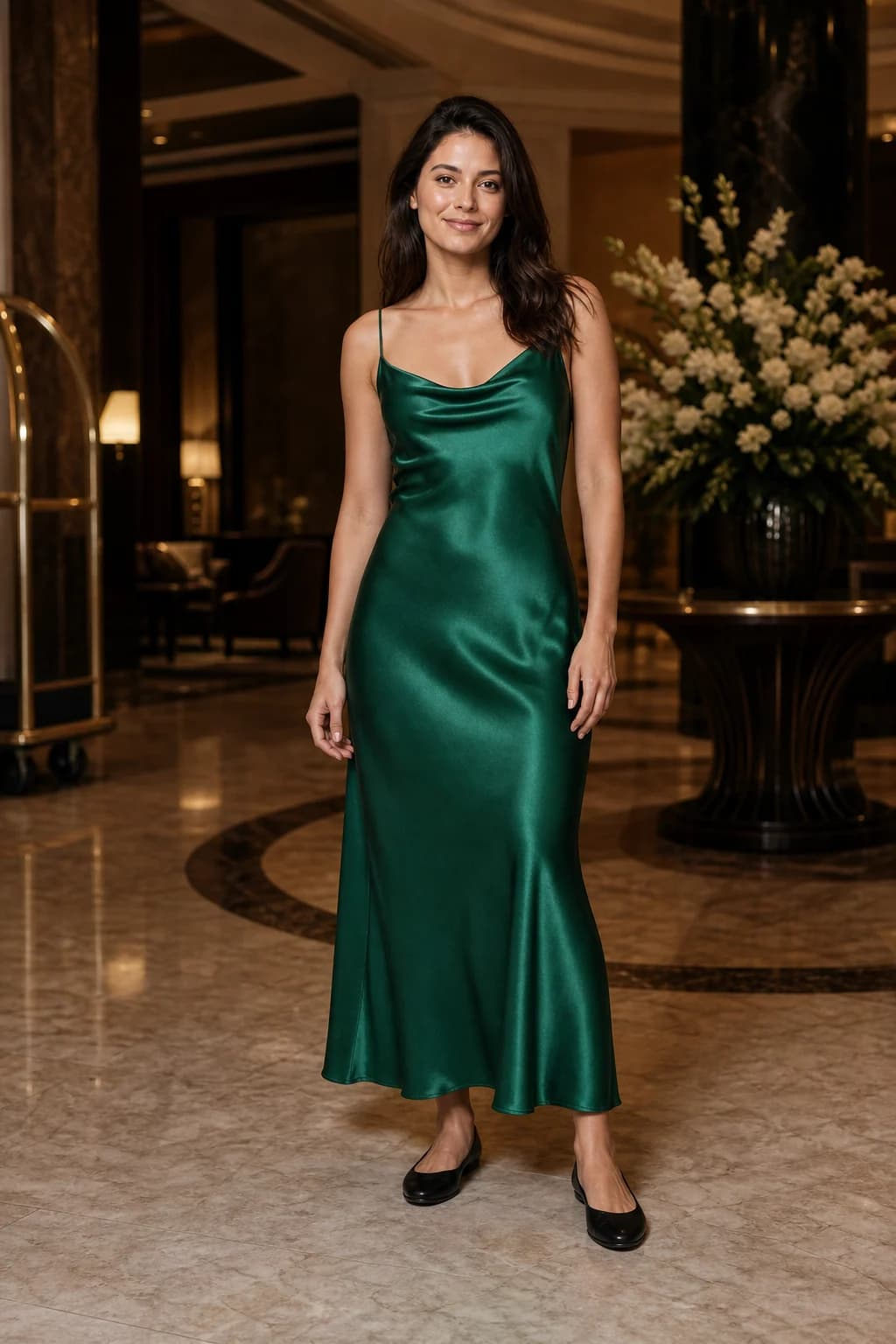
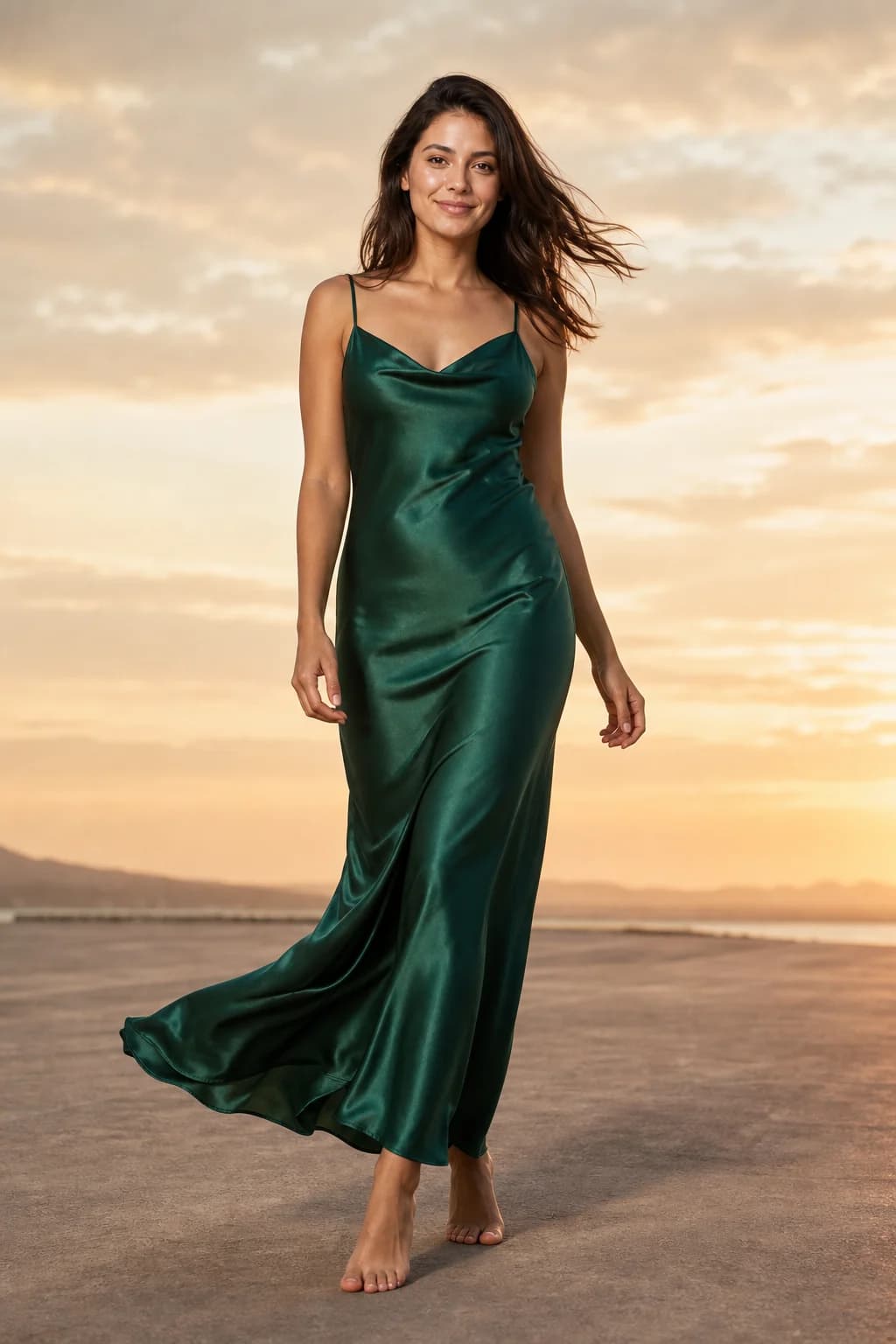
This is not specific to one tool. Any generator that draws a new image can drift; tools differ in how often it happens and how cheaply you can fix it. Test your hardest pieces before you commit, as our tools guide describes.
What it costs compared with a shoot
On entry plans checked on 2 October 2026, dedicated tools charge from under one cent to about $1.30 per generated image, before counting the attempts you would not post. What AI fashion photography costs per image has the table for ten tools and the cost-per-keeper maths.
Published 2026 estimates put a full e-commerce shoot at roughly $35 to $165 per usable image (what a fashion photoshoot costs). Price alone is the wrong comparison, though: a shoot buys a photographer's judgement and real fabric in real light, and the images your brand is judged on often deserve that. A sensible split is a tool for the weekly volume and a shoot for the campaign.
Do you have to label AI fashion photos?
In the EU, Article 50 of the AI Act has applied since 2 August 2026. It says deployers of AI that generates image content "constituting a deep fake" shall "disclose that the content has been artificially generated or manipulated" (AI Act, Article 50). The deployer is whoever publishes the image, which means you, not your tool. Whether a generated model wearing your real garment counts is a judgement call, and labelling is the cautious reading. Our labelling guide walks through the test asset by asset.
Practical guidance from a product team, not legal advice.
Choosing a tool
- To compare the field on price, free trial, video and your own model: the best AI fashion photography tools in 2026.
- To leave a tool you already use: alternatives, side by side.
- To weigh AURA against one named tool or a photographer: head-to-head comparisons.
- To see results for one garment type or sales channel: AI photoshoots by garment and channel.
AURA Studio, which publishes this guide, is built for boutiques that want one consistent model and post-ready formats, with a free week of 10 photos and 1 video and no card. It has no store integration and no API, and it delivers platform sizes up to 1080x1920 rather than 2K or 4K files. If those matter, the tools guide says who to pick instead.
Go deeper
- Inputs: how to photograph a garment for AI and from flat lay to on-model photo, step by step.
- The model: keeping the same face across every photo and the AI clothing model generator.
- Video: the AI fashion video generator.
- Formats: Instagram and TikTok sizes and safe zones.
- Money: cost per image across tools and what a photoshoot costs.
- Rules: labelling AI photos in the EU and what Amazon, Shopify, Etsy and Meta allow.
- Terms: virtual try-on vs on-model photography and the glossary.
Questions
- What is AI fashion photography?
- It is the use of an image model instead of a camera to produce photos of clothing, most often a person wearing a garment that was supplied only as a product photo. The same term covers model swaps, ghost-mannequin images and scene changes.
- How does AI fashion photography work?
- A tool sends three references to an image model, the garment, a model and a scene, with a written instruction to dress that model in that garment. The model draws a new photograph from them. Nothing is pasted, so the garment is redrawn each time and every image needs checking.
- Is the garment in an AI fashion photo accurate?
- Usually close, never guaranteed. Colour, cut and hardware generally carry over from a clean product photo. Length, drape, volume and lettering are where it drifts, because a product image does not show them fully. Check each image against the real piece before you publish it.
- How much does AI fashion photography cost?
- On entry plans checked on 2 October 2026, from under one cent to about $1.30 per generated image, depending on the tool and resolution. AURA's Starter plan is €29 a month for 150 photos. The real cost is per image you would actually post, which depends on how many attempts you keep.
- Do I have to label AI-generated fashion photos?
- If you publish to people in the EU, the AI Act's Article 50 transparency rules have applied since 2 August 2026 and the duty falls on whoever publishes. A generated model wearing your garment is the borderline case, and labelling it is the cautious choice.
- Can AI fashion photography replace a photoshoot?
- For routine product and social images, often yes. For campaign imagery and garments whose fabric is the selling point, a photographer still produces better pictures. Many shops use a tool for weekly drops and a shoot once or twice a year.