Guide
Instagram for boutiques with one AI model: a weekly content system
By The AURA Studio team. Published .
Run a boutique's Instagram from one weekly drop and one recurring face. Shoot each new piece once on the same AI model in three frames, then spread them across the week: a 4:5 feed post, a carousel of the drop, stories with prices, and one short clip as the reel. Say plainly that the model is AI, and use Meta's AI label on AI video.
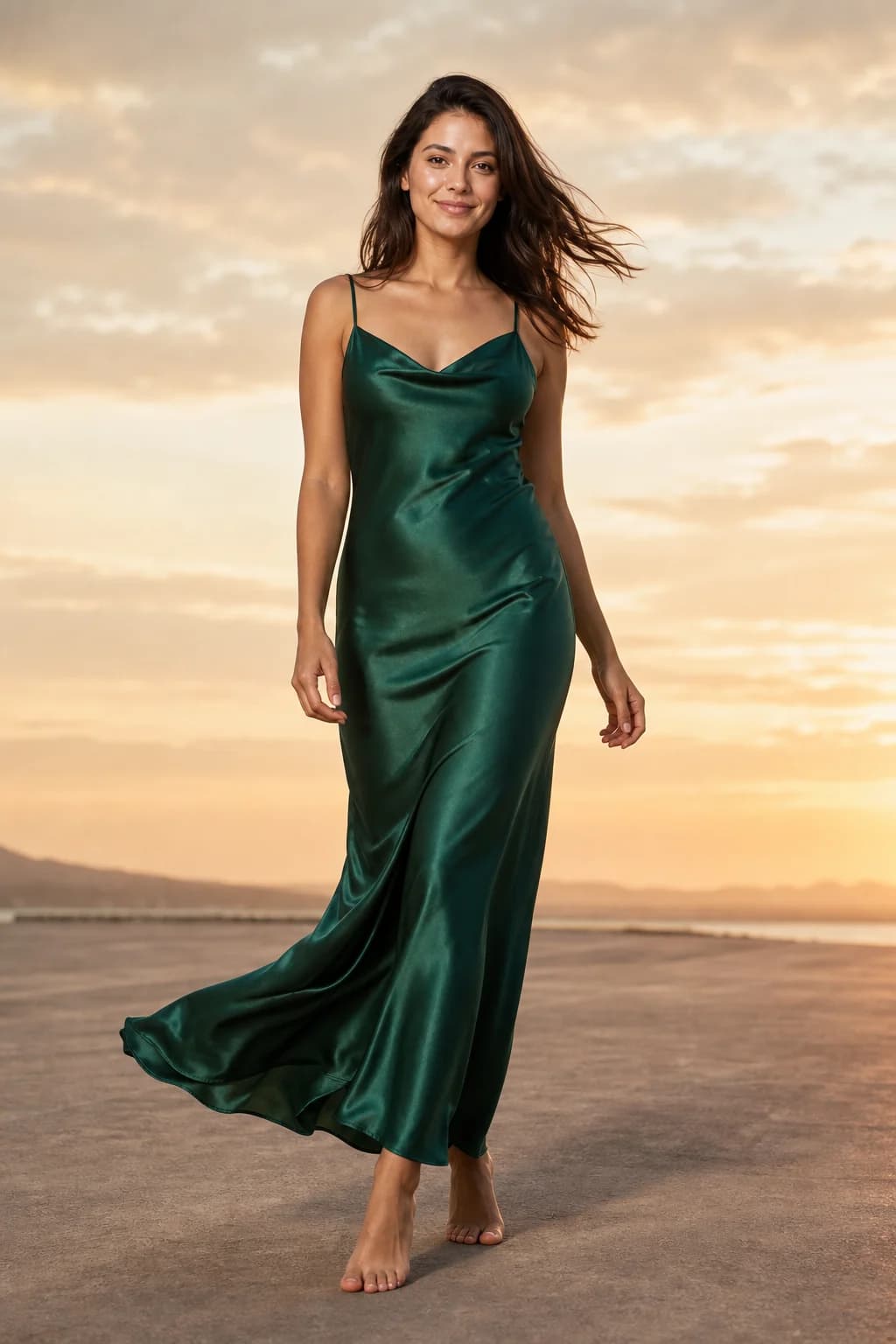
One drop, one face, one week
Most boutique feeds stall for the same reason: every post needs a new photo, and every new photo needs a shoot. This system turns that around. Each week's new pieces are shot once, on the same model, in a fixed set of frames, and the whole week of posts is cut from that one session.
It works with any AI tool that can keep one model across garments, and with a real model if you shoot in batches. Pixel sizes and safe zones are in our Instagram image sizes guide; this page is about what to post and when.
The shot list: three frames per piece
| Frame | Shape | Used for | Why |
|---|---|---|---|
| Full length, plain pose | 4:5 | Feed post, first carousel slide | Shows the whole garment, its length and how it sits on a body. |
| Half body or close-up | 4:5 | Later carousel slides | Fabric, neckline, buttons and print: the detail a thumbnail loses. |
| Full length with room above and below | 9:16 | Stories, and the source for the reel | Leaves space for the interface and for text inside the safe zone. |
Make every carousel frame 4:5. Instagram applies one orientation to every photo in a carousel and does not let you set it per slide (Instagram Help), so a 9:16 story frame dropped into a carousel gets cropped.
A carousel can hold up to 20 photos and videos, but a video inside a carousel is not treated as a reel and does not appear in the Reels tab (same source). Post the clip on its own.
The week, day by day
| Day | Post | What it carries |
|---|---|---|
| Monday | Story: the teaser | One 9:16 frame with a "New in" badge and no price yet. Add a question sticker to invite DMs. |
| Tuesday | Feed post: the hero piece | The full-length 4:5 frame. Price in the caption or on the image. |
| Wednesday | Reel: the hero piece in motion | A 5 to 12 second clip made from the 9:16 frame. |
| Thursday | Carousel: the whole drop | One full-length 4:5 per piece, then detail slides. The same model throughout. |
| Friday | Stories: prices and sizes | One 9:16 frame per piece with the price on it and a link sticker or "DM to order". |
| Saturday | Feed post: the second piece | A 4:5 frame, or two pieces styled together. |
| Sunday | Story: what is left | "Last sizes" or "Back in stock" on a 9:16 frame. |
The exact days matter less than the rhythm. Everything on the list comes from the same session, so nothing in the week needs a new shoot.
Why the same face matters, and how to keep it
A recurring face makes separate posts read as one shop. With AI that is not automatic: a text prompt describes a kind of person, and each generation draws a new one. You keep one face by giving the tool the same reference photo every time, which our guide to consistent AI models covers in detail.
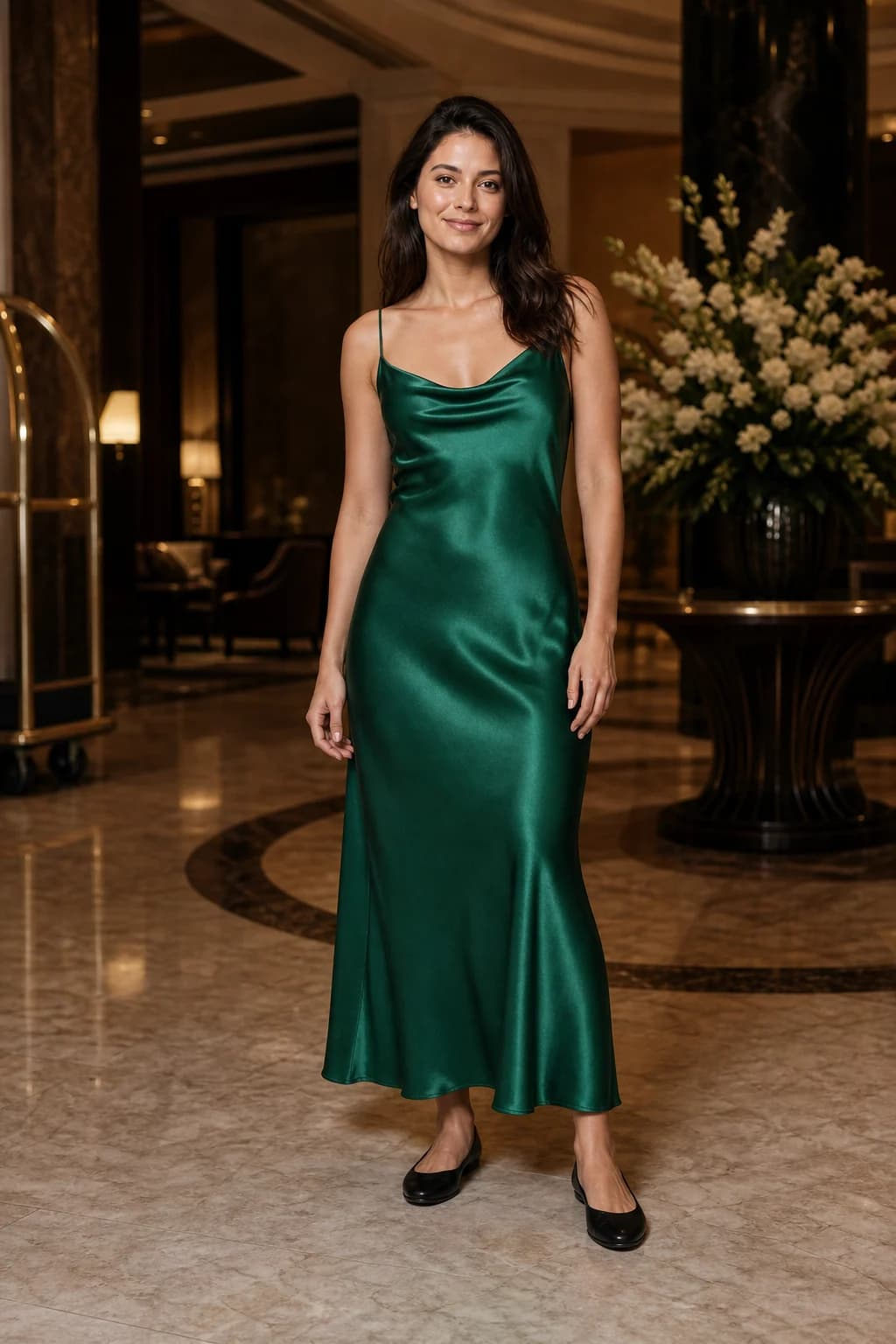
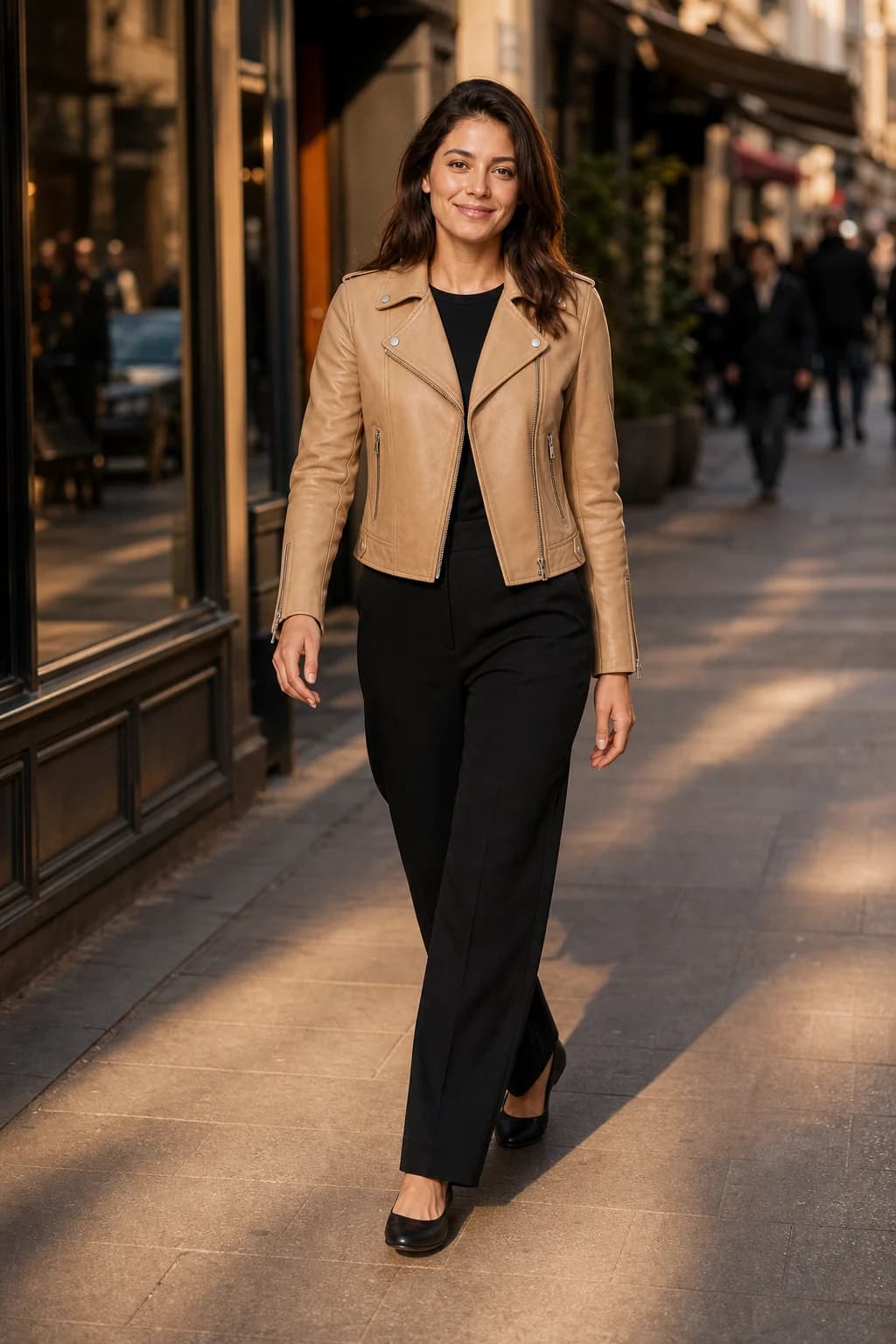
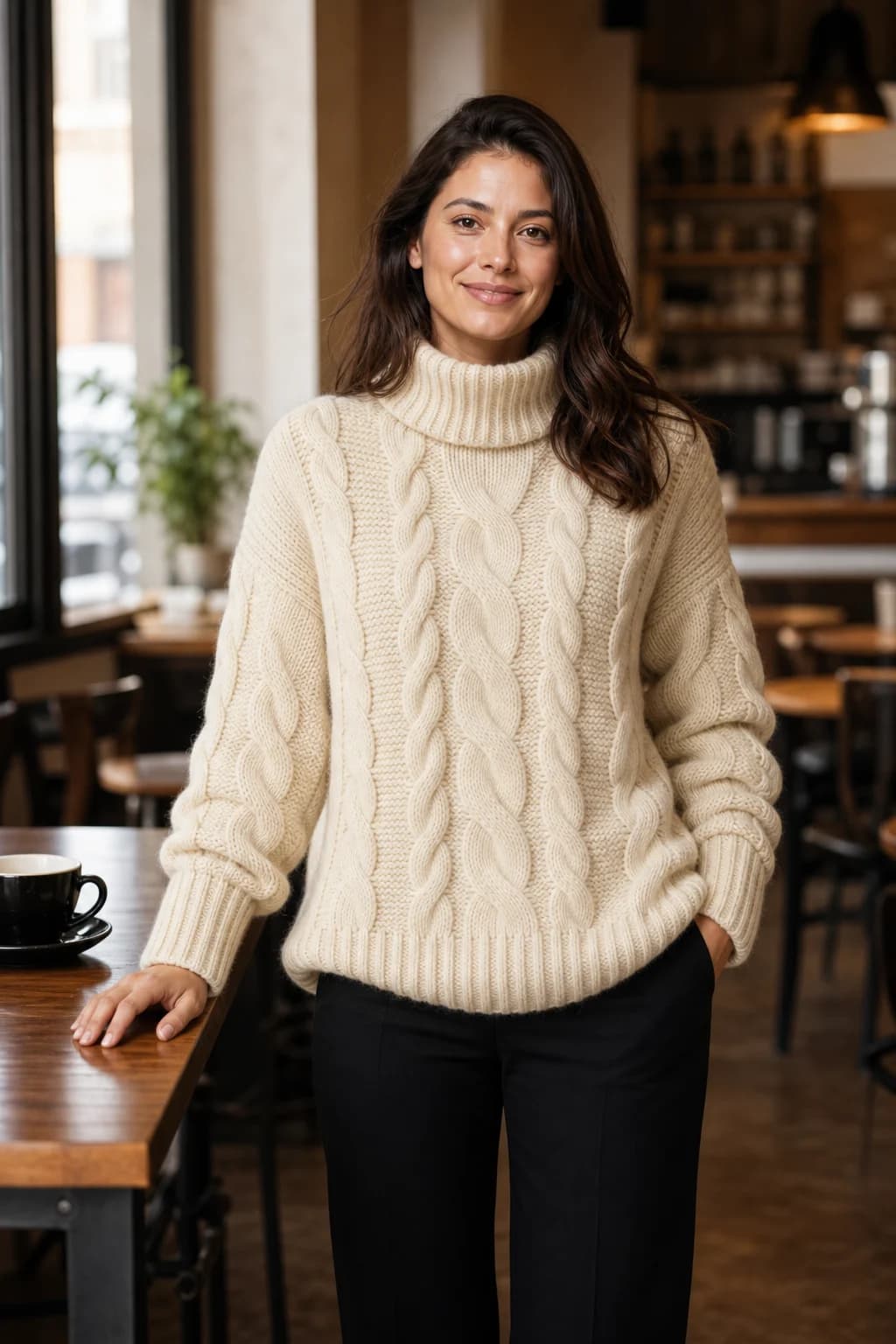
Choose the model once, before the first drop: one of the tool's own models, or a real person you photograph with their written consent. Then keep it for the season.
Making the week in AURA
AURA Studio, which publishes this guide, is built around this loop. You upload a product image, pick one of four house models or a model you uploaded, and get up to 12 photos in a batch at 4:5 (1080 by 1350) or 9:16 (1080 by 1920). Templates set the frames for you: The Drop makes a story, a feed post and a square grid tile in one go, and Reel Cover and Story Poll Frame keep text clear of the interface and the sticker. Prices and badges are an editable text layer, so a Friday markdown is an edit, not a new photo.
- Photos
- 1 credit each, up to 12 per batch
- Clips
- 5, 8 or 12 seconds for 3, 4 or 6 credits at 720p; 1080p costs three times as much and starts on Studio
- Camera moves
- Orbit, push in, pull out, pan, tilt up, crane up, handheld, locked off
- One week of this plan
- 3 pieces x 3 frames = 9 credits, plus an 8-second clip at 4: 13 credits before retries
- Plans
- Starter €29 a month for 150 credits; Studio €89 for 500
- Free to try
- A week with 10 photos and 1 video, no card: enough for one drop
Checked on AURA pricing.
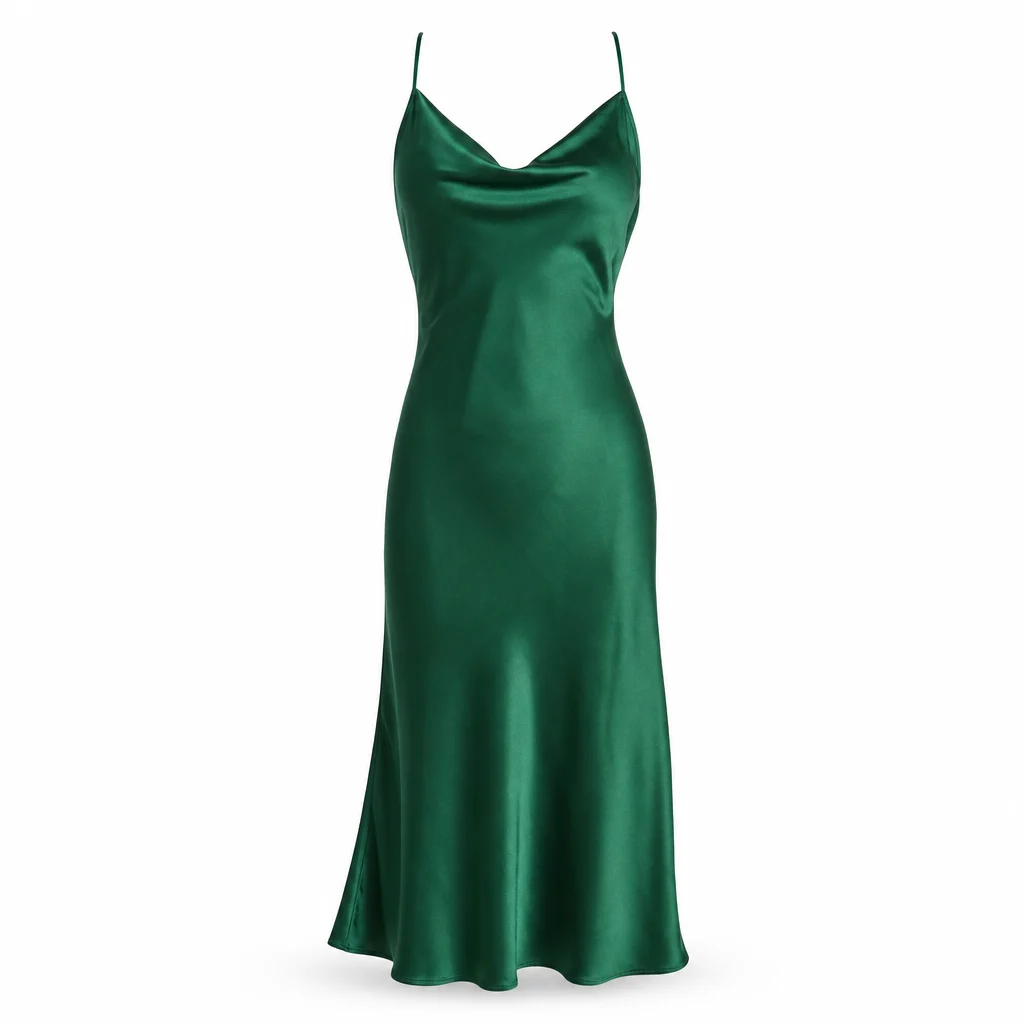
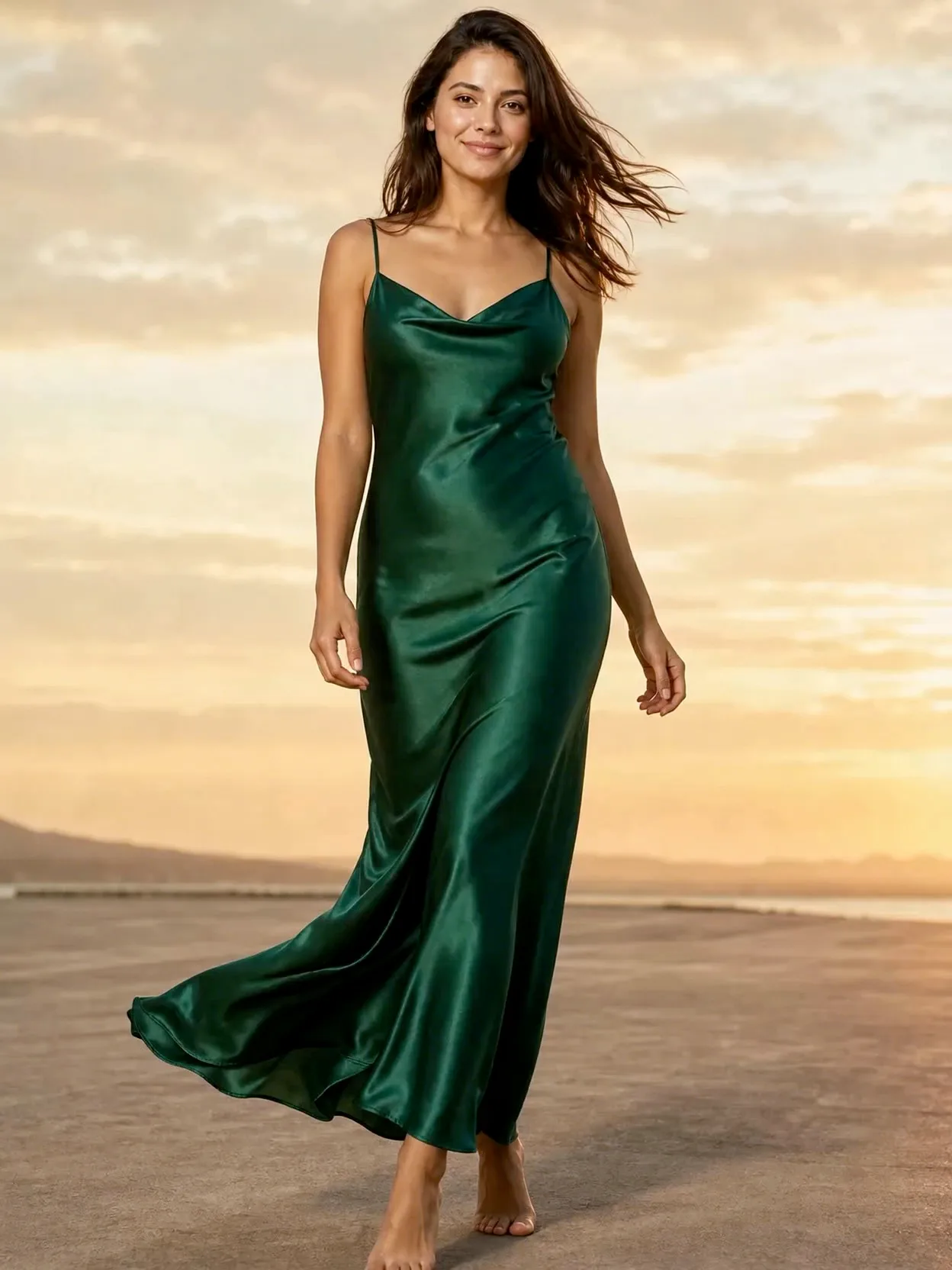
- Budget for retries. Not every generation is a keeper, and each attempt costs a credit.
- The catch: AURA does not post, schedule or connect to Instagram. You download the files and post them yourself.
The disclosure line
Post AI images as what they are. Meta requires its AI disclosure tool when you post organic content with photorealistic video that was digitally created or altered, and says it may apply penalties if you do not (Meta, February 2024). Images get an "AI info" label when Meta detects industry-standard AI signals or when you disclose (Meta Transparency Center).
If you sell to customers in the EU, the AI Act's transparency rules have applied since 2 August 2026. Our labelling guide covers how to judge each post.
- A caption line that works: "Model is AI-generated. The dress is real and in stock."
- Put it in the same place in every caption, so it reads as house style.
Practical guidance written by a product team, not legal advice.
Where this goes wrong
- Posting without checking. Compare every image with the real piece for colour, length, print and hardware. Our flat lay to on-model guide lists the usual misses.
- Changing faces mid-season. The system relies on one recurring model.
- Text at the bottom of a story. The caption and buttons cover it; see the safe zones.
- Letting the image model write prices. Image models draw text as pixels, so numbers can come out wrong. Add prices as a text layer.
- Using a carousel video as the reel. It will not show in the Reels tab.
Questions
- Can a boutique use an AI model on Instagram?
- Yes. Meta requires its AI disclosure tool for photorealistic AI video, and AI images can carry an "AI info" label. If you sell in the EU, the AI Act's transparency rules have applied since 2 August 2026. Check every image against the real garment before posting.
- How many photos do I need for a week of posts?
- About three per new piece: a full-length 4:5, a detail 4:5 and a full-length 9:16. Three new pieces means nine photos plus one clip, which is 13 credits in AURA before retries.
- How many photos can an Instagram carousel have?
- Up to 20 photos and videos, all in one orientation, according to Instagram's help centre on 2 October 2026. Videos inside a carousel are not treated as reels.
- What size should boutique posts be?
- 4:5 (1080 by 1350) for feed posts and carousels, 9:16 (1080 by 1920) for stories and reels. Our Instagram image sizes guide covers the safe zones.
- Should I use a different model for each post?
- No. One recurring model across the week, and ideally the season, makes the feed read as one shop. Pick the model once and keep it.